Quiet keepsakes
Start with warm window light, golden hour, linen textures, or a restrained studio mood rather than a generic fantasy backdrop.
 Create
A maternity image can feel intimate without being ornate. This workflow helps you choose one calm visual direction first, then create a polished image from your own photos. The current examples are Look inspiration, not customer claims.
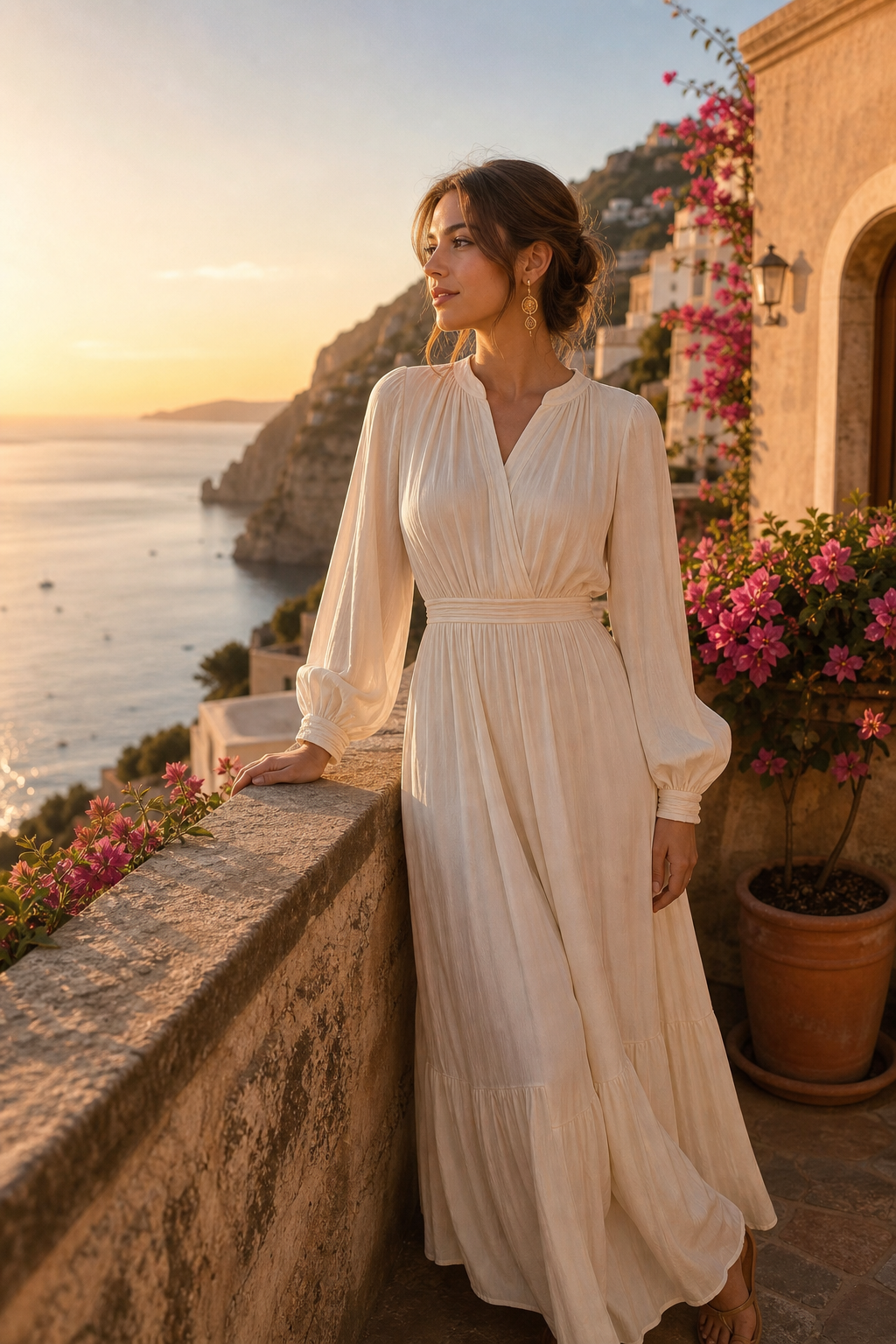
Gentle light, intentional framing, and a clear Look-first flow for maternity portraits.
Start with warm window light, golden hour, linen textures, or a restrained studio mood rather than a generic fantasy backdrop.
Choose a Look that fits how you want to be seen. The selected aesthetic guides the output without borrowing another person's identity.
Personal references and generated images stay in your account and can be deleted from the product workflow.
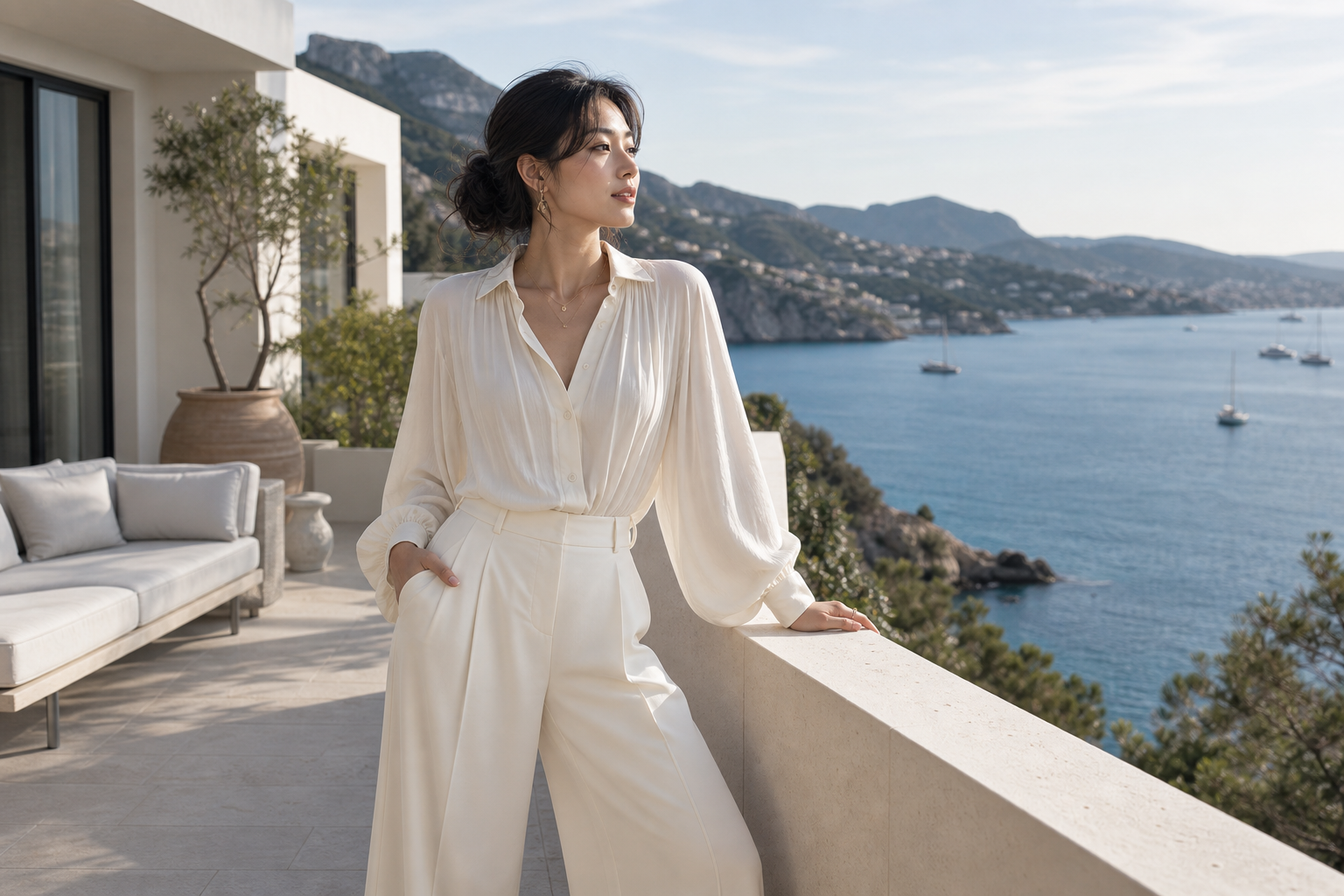
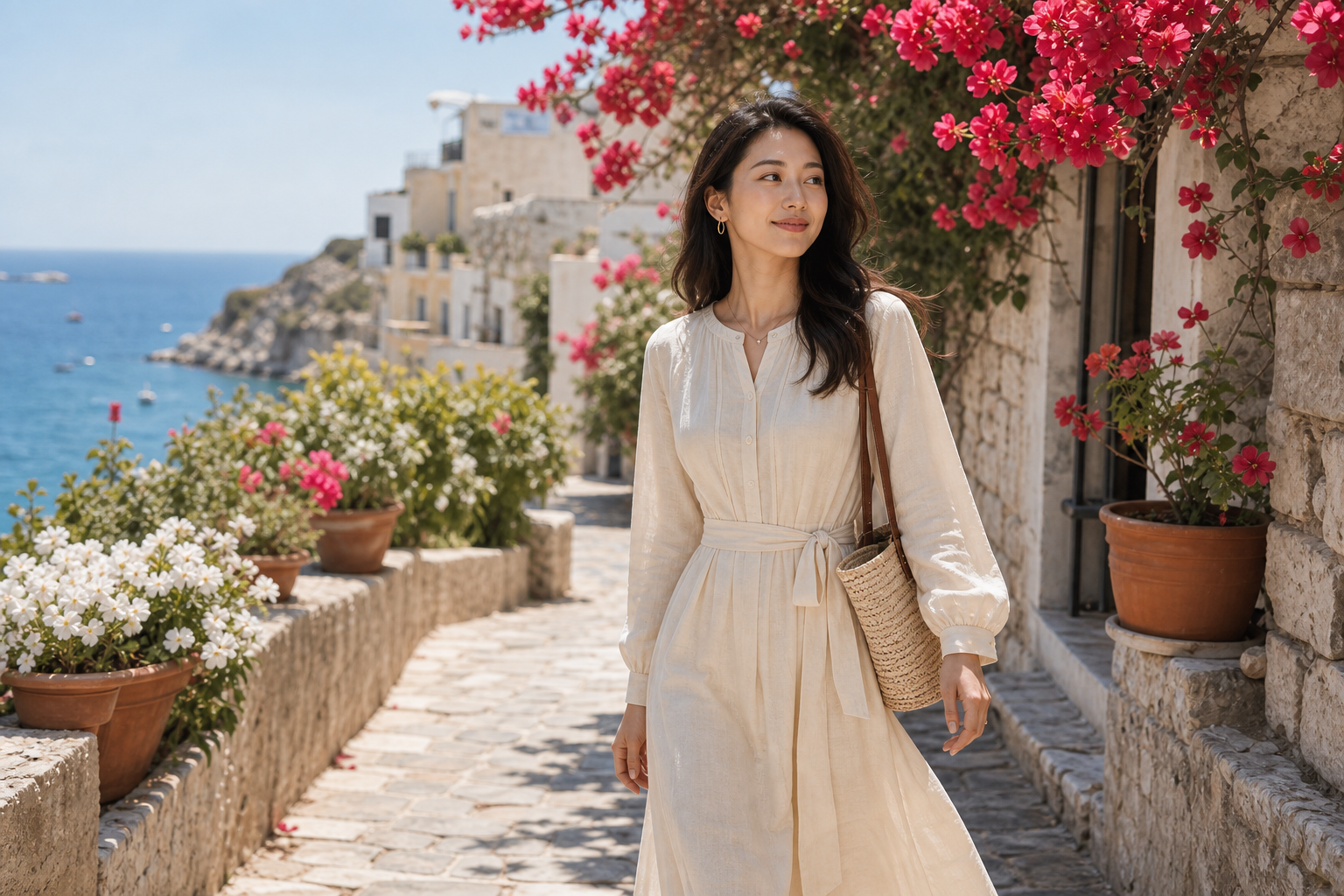
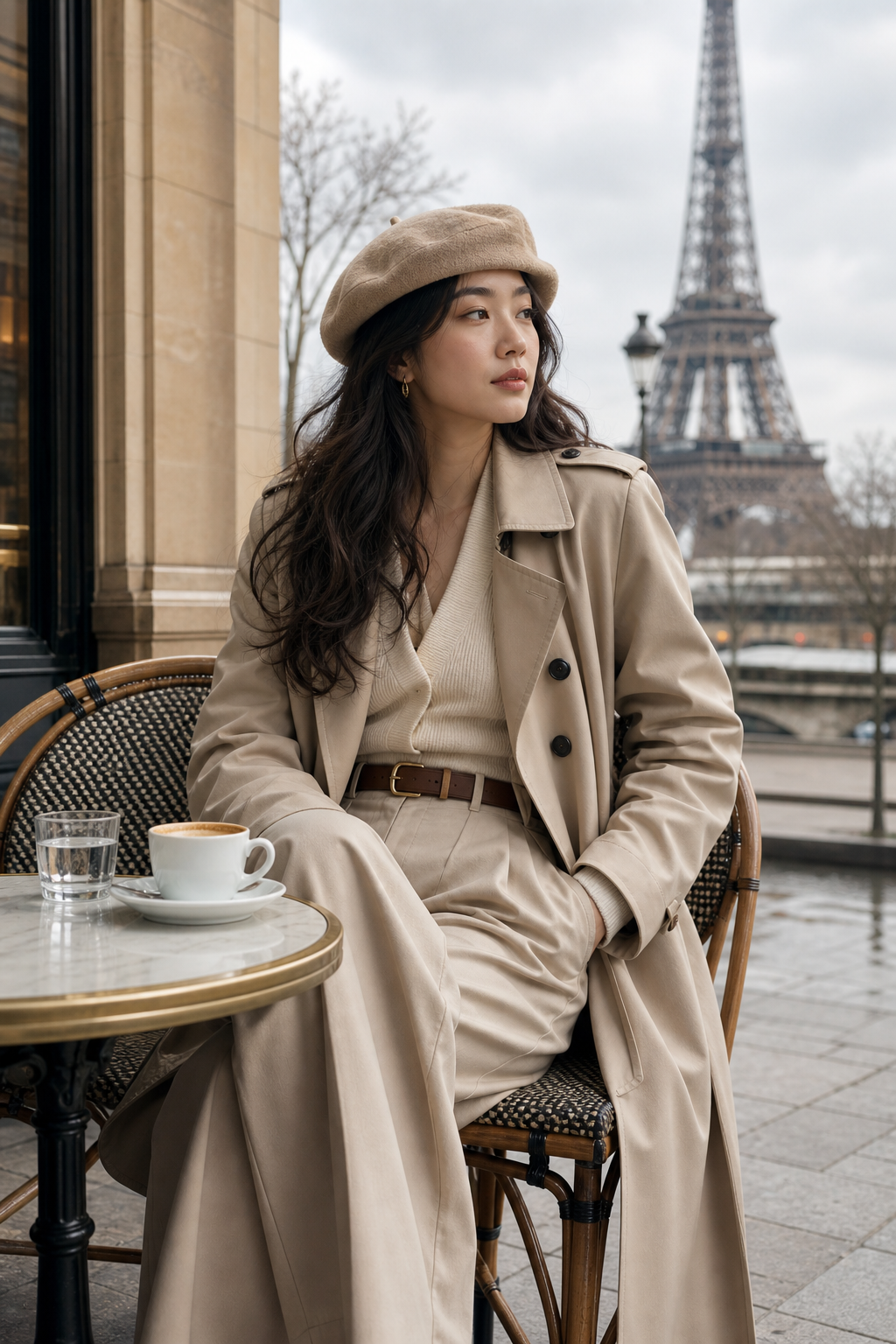
Look for lighting and framing that feel comfortable, natural, and appropriate to the memory you want.
Add one to three recent references, including useful face angles or visible body context relevant to the portrait.
Review anatomy, fabric, hands, and facial likeness before downloading or sharing any generated result.
The tool creates AI portrait concepts from one to three clear personal photos. The results are generated keepsakes and do not replace documentary photography.
Uploads, Glam Profiles, and results are private by default and are not automatically published.
Review facial likeness, hands, body proportions, clothing edges, and background details closely before using an image.