A complete visual direction
Choose the lighting, wardrobe mood, composition, and setting from an existing Look instead of writing a prompt from scratch.
 Create
An AI image flow turns a small set of clear references into a new portrait. BlingBling Up starts with the visual outcome: you choose one Look, then add your own photos only after you know what you want to make.
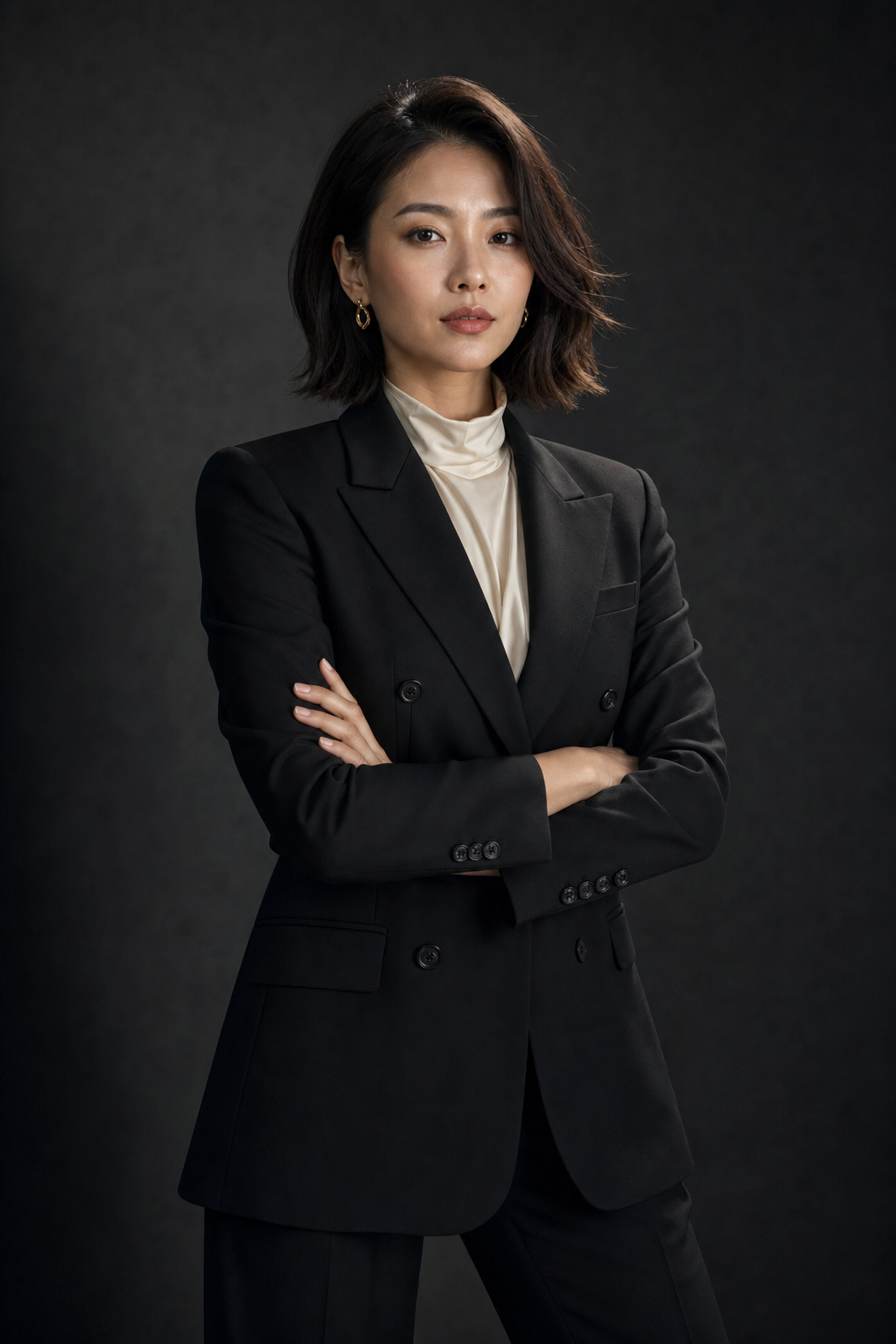
One polished portrait from one selected Look and up to three clear photos of you.
Choose the lighting, wardrobe mood, composition, and setting from an existing Look instead of writing a prompt from scratch.
Multiple recent angles give the generator more information to preserve the features people use to recognize you.
Each generation focuses its selected Look and Glam Profile on one polished image instead of spending credits on an automatic batch.
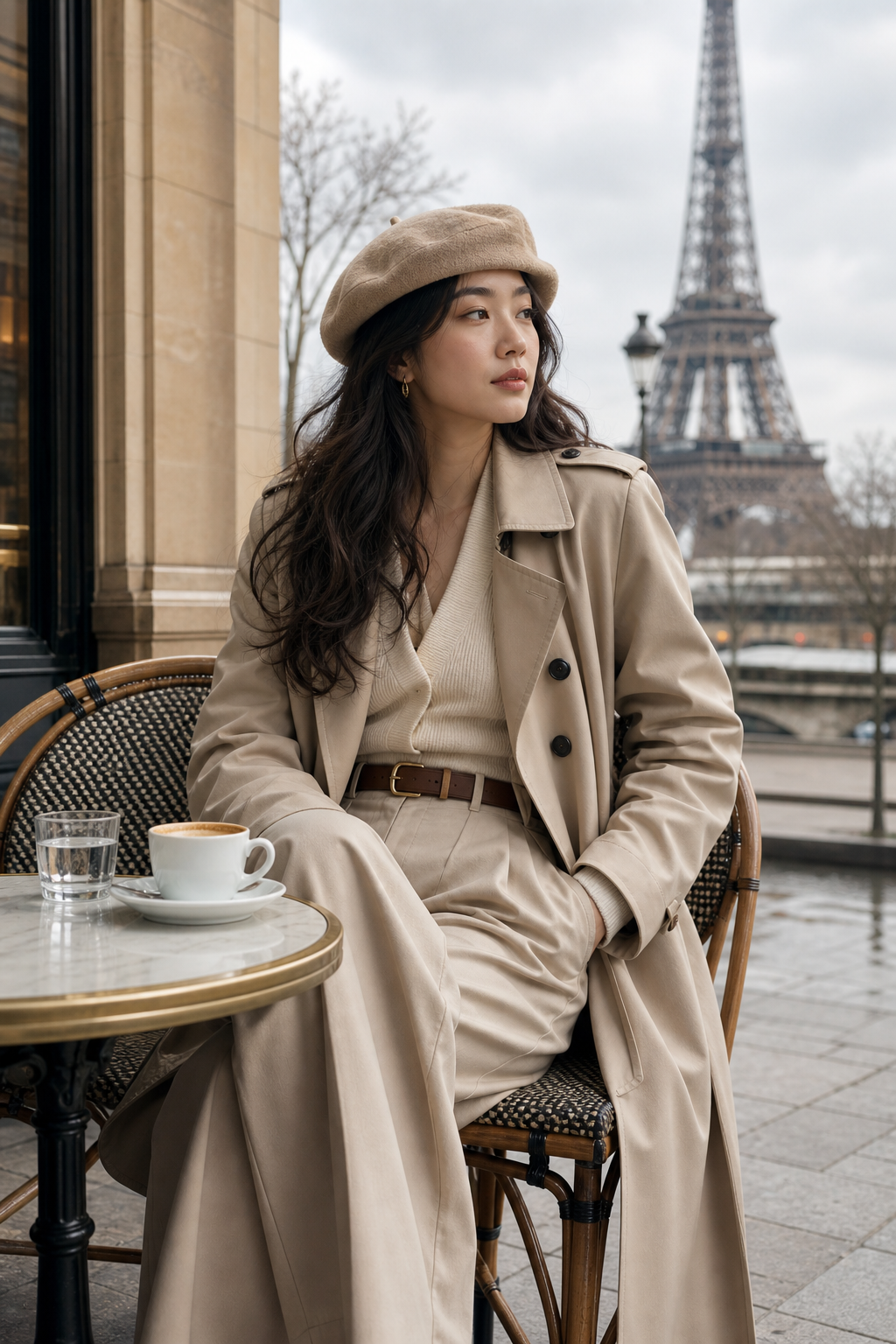
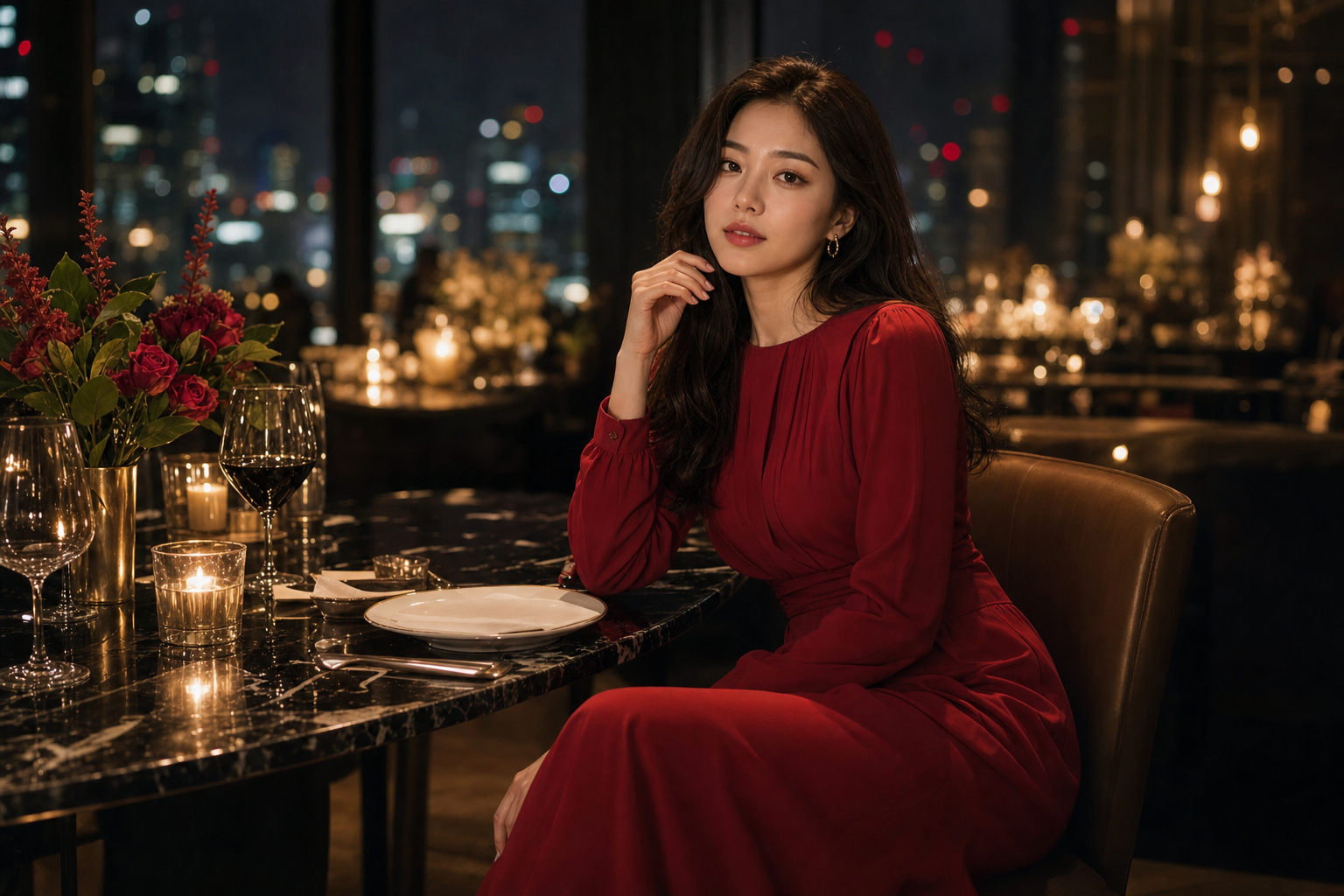
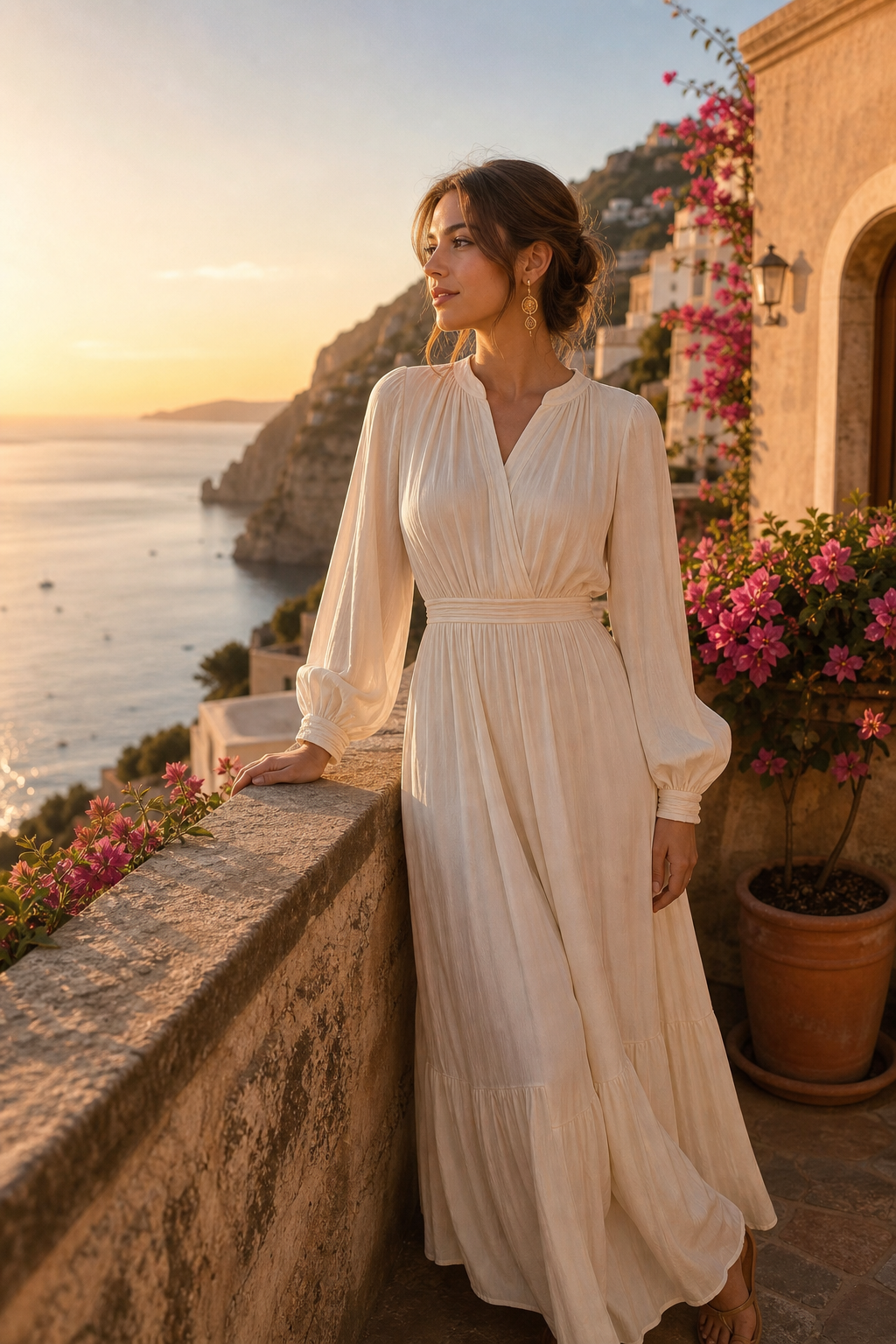
Search the Look gallery and open the visual direction closest to the photos you want.
Use a saved Glam Profile or upload one to three recent, clear photos of yourself.
Confirm your photo rights and processing consent, then choose Fast, Medium, or High quality.
You can upload one, two, or three recent, clear photos. Additional angles are optional but can give the system better evidence for preserving your appearance.
The current product creates one image per generation. Fast costs 4 credits, Medium costs 8 credits, and High costs 18 credits.
You can browse, search, and preview every available Look first. Upload begins only after you choose one.