Visual search instead of prompt writing
Browse complete outcomes and choose with your eyes rather than guessing which prompt words will work.
 Create
A Look is more useful than a vague style label. It combines subject framing, wardrobe mood, palette, lighting, environment, and attitude into one visible reference you can evaluate before uploading anything.
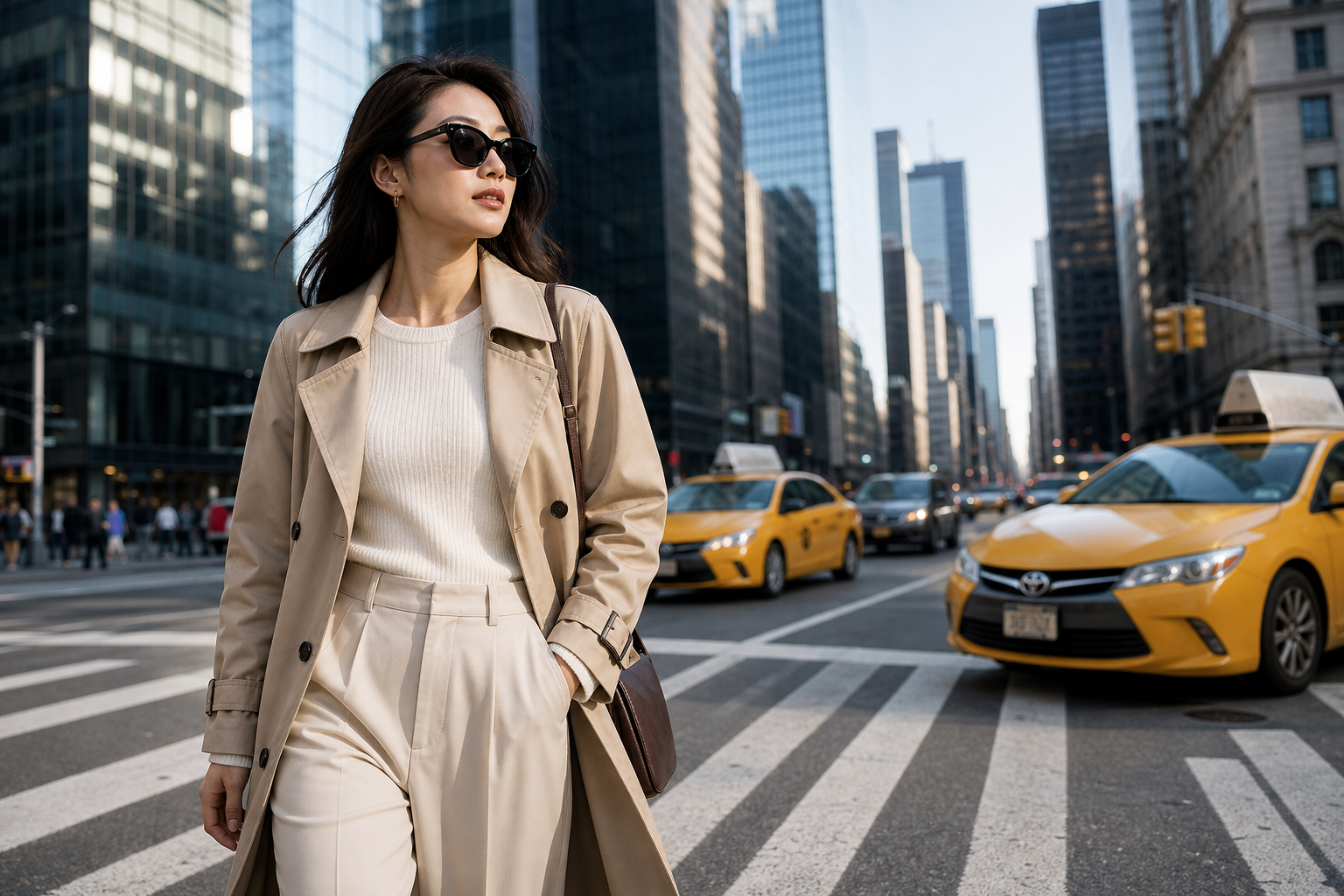
Search by feeling, inspect the full image, and keep your selected direction through sign-in.
Browse complete outcomes and choose with your eyes rather than guessing which prompt words will work.
Each Look carries a coherent composition and mood into the creation flow.
Use the five-column gallery, ranking, search, and full-screen preview to compare directions without opening a complex editor.
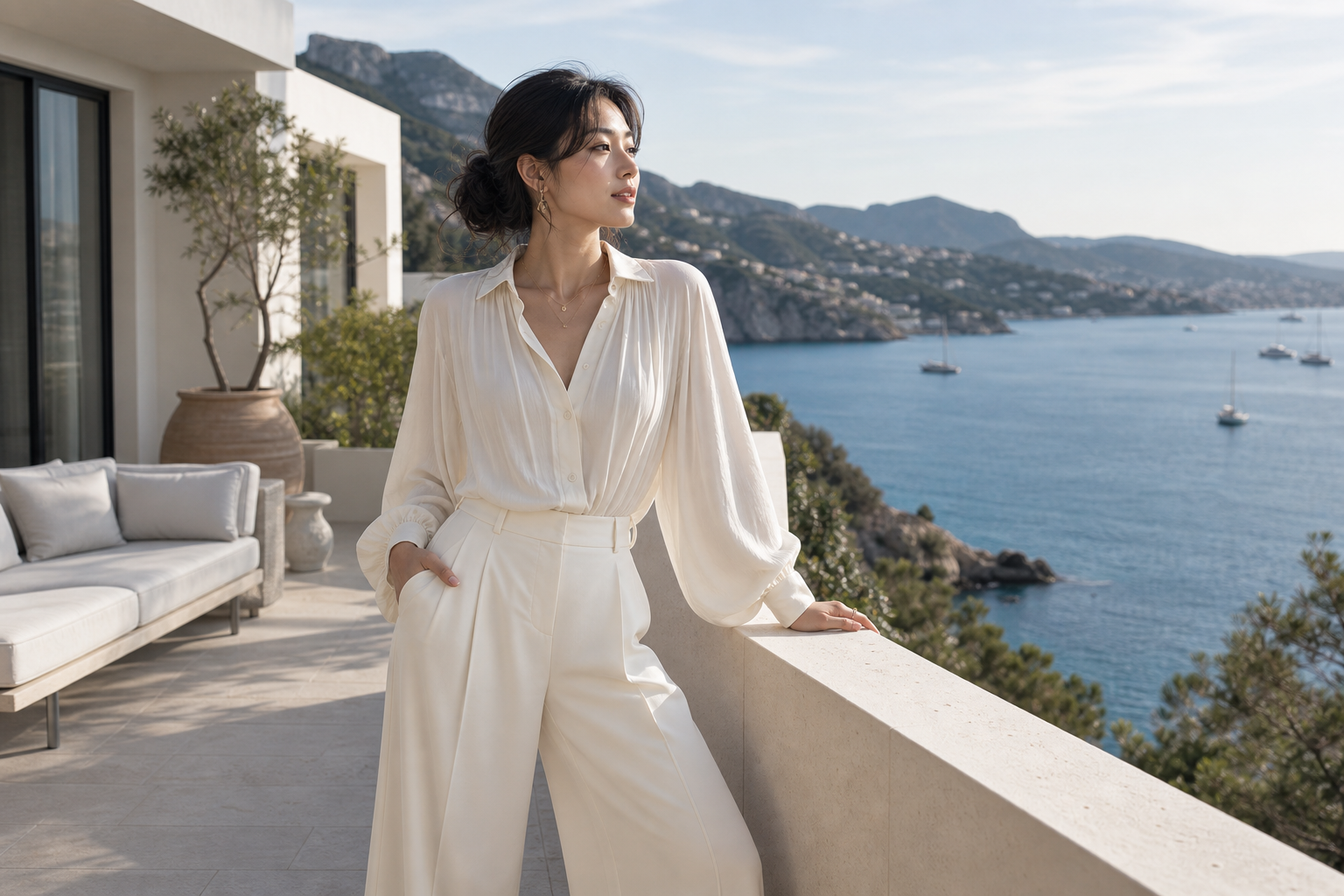
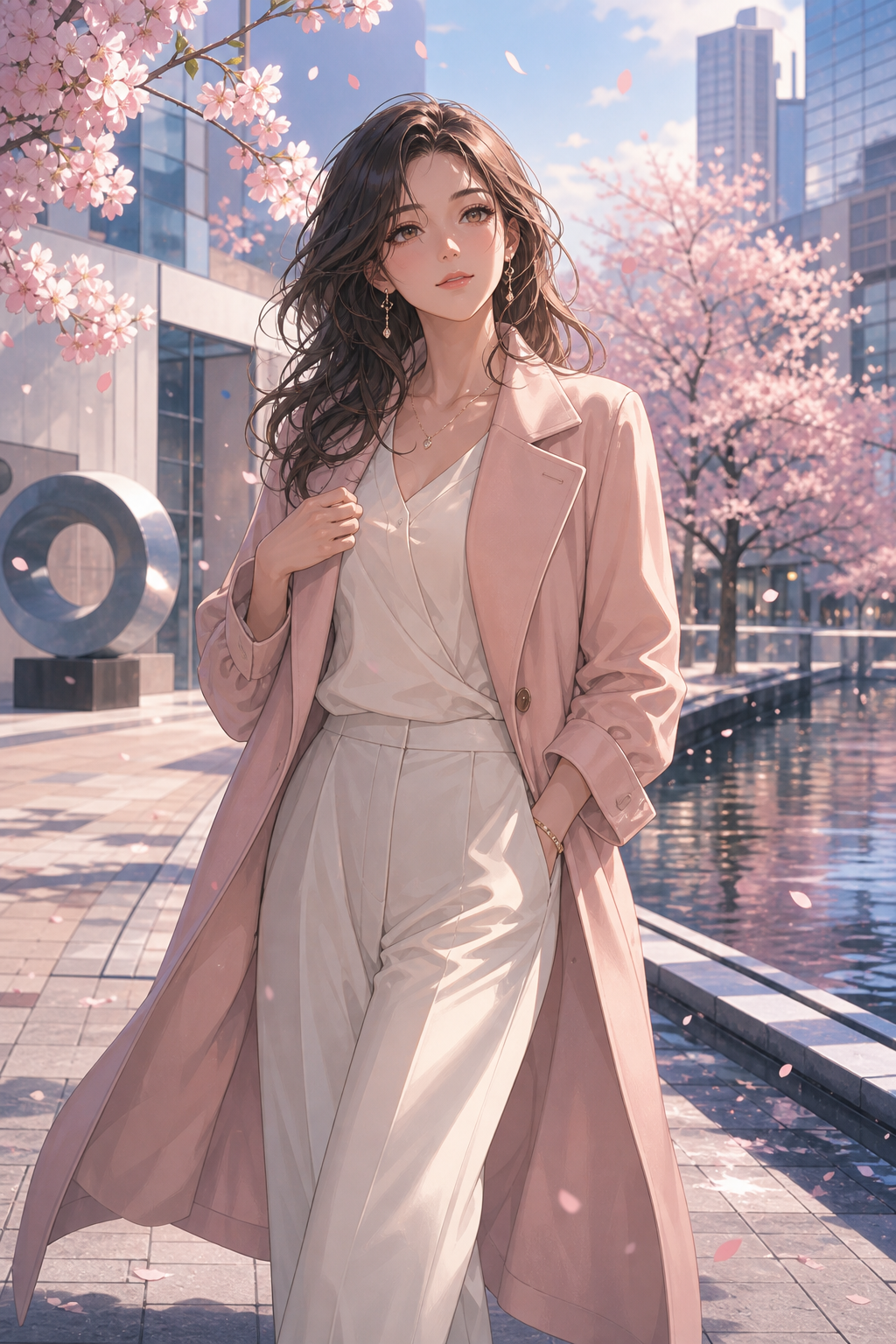
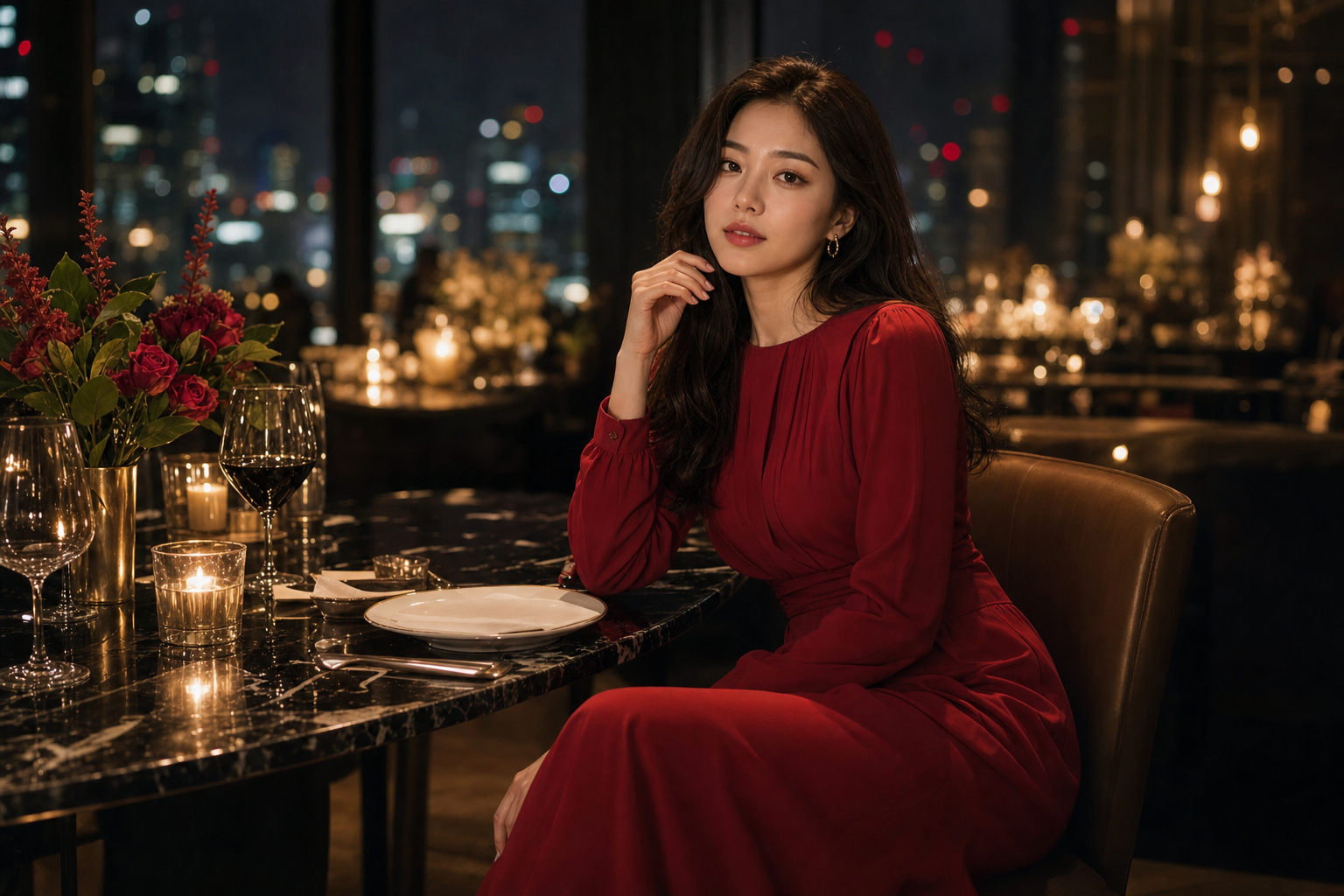
Try a setting, mood, or occasion such as city, coastal, candlelight, birthday, or portrait.
Open the image to evaluate crop, posture, light, environment, and visible styling.
Continue with a Glam Profile or upload one to three photos only when the direction feels right.
It is a visible creative direction combining composition, styling, lighting, color, and setting for one generated portrait.
No. You can browse and select a Look directly. The current interface also shows prompt context in preview for transparency.
No. The Look guides visual direction; your authorized photos provide the subject identity.